


Zilkee™ PC to PC USB Dual Link
🛡️ The Lifetime Guarantee: Your Files Back, or Your Money Back.

Lifetime Guarantee
Files back or money back

Secure Payment
Multiple payment options

Free Shipping
Tracked & insured
How Zilkee Recovers Your Files
- Restores files you've accidentally deleted
- Repairs corrupted and damaged files
- Pulls data off drives that won't boot, won't mount, or ask to be formatted
- No technical knowledge needed — just connect the drive and follow the prompts on your screen
- Private and secure. Your files never leave your computer. Only you can see them.

CUSTOMER REVIEWS
Hear Stories From Real Customers!
Lifetime Guarantee
Files back or money back
Secure Payment
Multiple payment options
Free Shipping
Tracked & Insured
Customer Reviews
Customer Reviews
Works great
Simple to use and worked great moving data from Win 7 to Win 10. Files were moving very straight forward and could be initiated from either pc. Would recommend if you need to transfer bulk data.
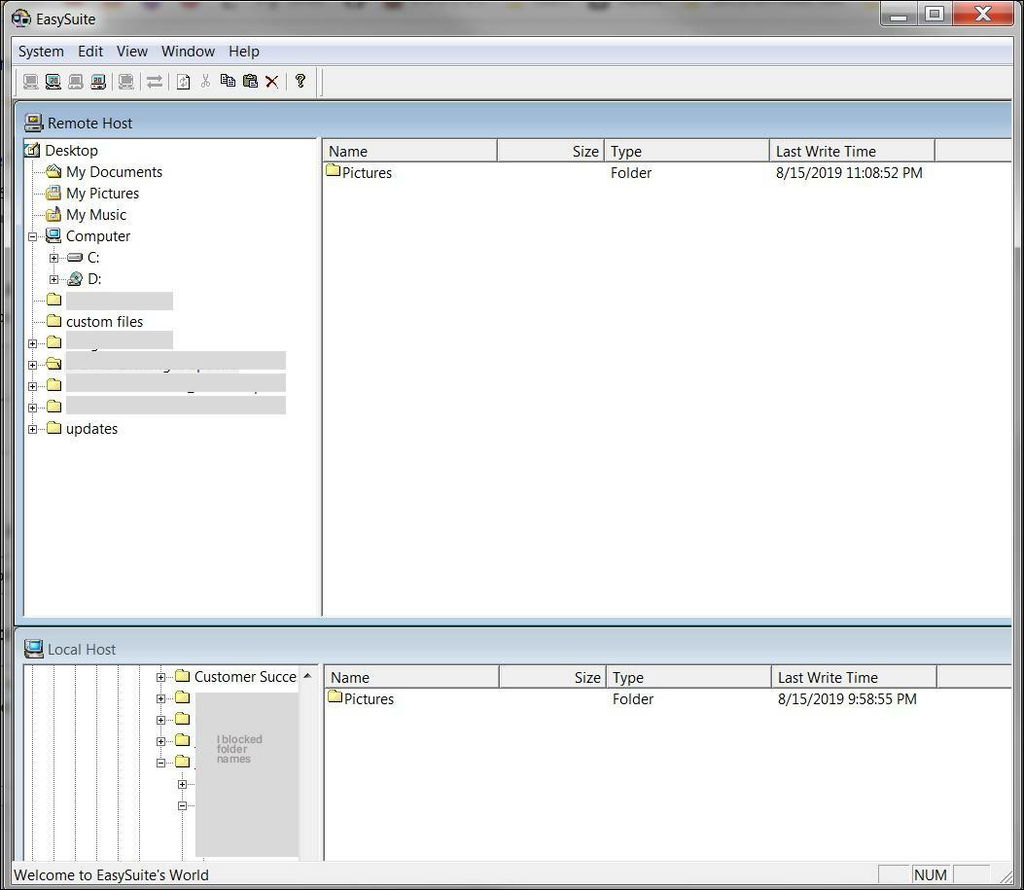
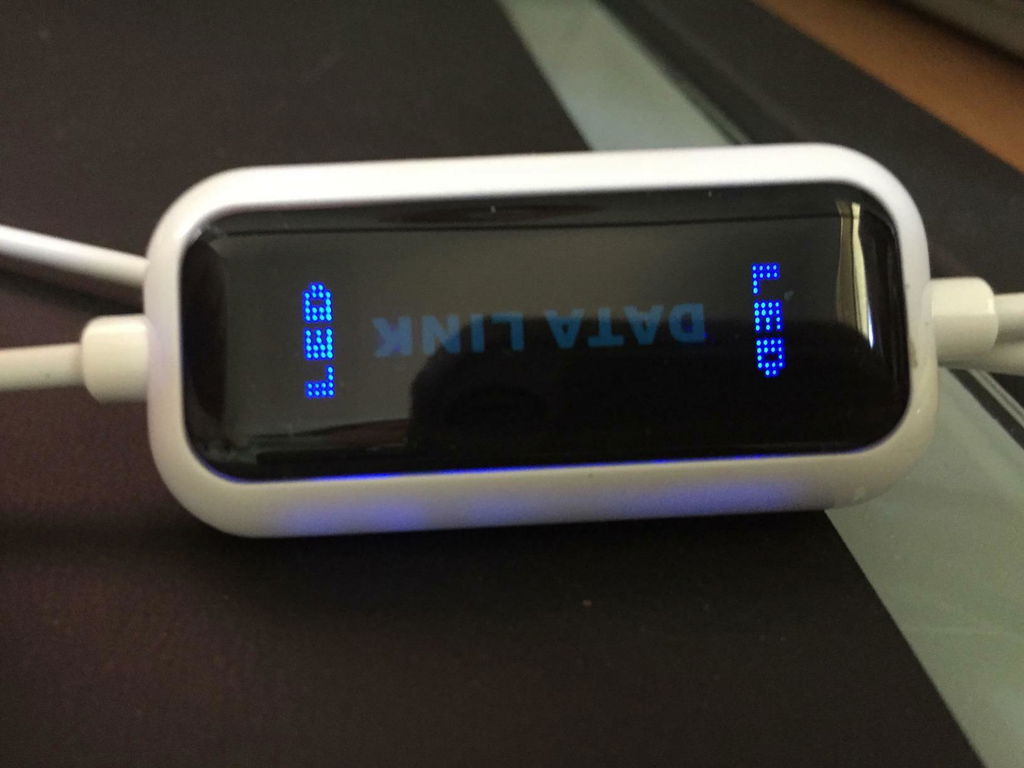
I bought to transfer my files from my old to new PC. It arrived in a neatly packaged in a box and I plugged it in to my 2 pcs. When I click on the device in My PC on both computers a window opened up with a split screen. Yeah - I was in business so I was able to drag and drop content from old PC to new PC easily without any hindrance.
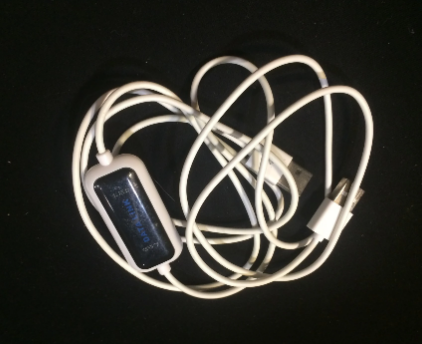
I use this product to move large files between my Win7 PC (where I do all my work) to my Win10 PC (that connects to my office). So far, I haven't had any major issues. The blue LEDs will show that it is connected. If it doesn't refresh automatically, just disconnect and reconnect to the Remote Host. It has a bit of a dated look but I'm okay with that. It does its job and does it fast. I'm pleased and I recommend it.
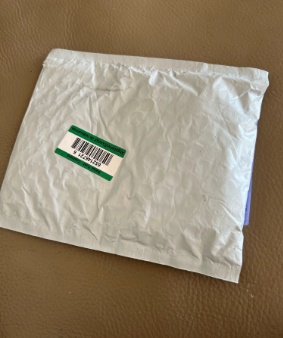
I used it to move 1600 photos from my old PC to my new laptop. Works great!
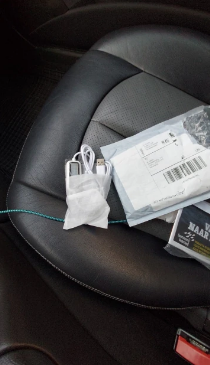
Still have questions? Get your answers below:
- Connects two Windows computers with one USB cable so you can copy files directly between them.
- Ideal for moving to a new computer — photos, videos, music, documents, folders, and email files.
- No internet, no cloud accounts, and no external drives needed.
- The transfer program is built into the cable — nothing to install.
- Works both ways: copy from either computer to the other.
Setup takes about a minute.
Step 1: Plug one end of the cable into a USB port on each computer. On a desktop computer, use a USB port on the back.
Step 2: Both computers detect the cable on their own. A light on each end blinks when they connect.
Step 3: A drive called "Easy Copy" appears in Devices and Drives on both computers — right where a USB stick would show up.
Step 4: Open "Easy Copy" on both computers by double-clicking it.
Step 5: One window opens showing the files from both computers side by side.
Step 6: Copy and paste, or drag and drop, the files you want to move. That's it.
It copies files and folders — documents, photos, music, videos, email files, and program data files. Programs themselves usually need to be reinstalled on the new computer, because Windows installs them differently on each machine. Your files and data move over; the programs you reinstall fresh.
No. The PC to PC USB Dual Link is for Windows computers only. It works with Windows 11, 10, 8, 7, Vista, XP, ME, and 2000. Both computers must be running Windows.
Yes — that's exactly what it's made for. It supports Windows versions all the way back to Windows 2000, so you can move files off a very old machine onto a brand-new Windows 11 computer. As long as the old computer turns on and has a working USB port, you're set.
No. Both computers must power on and reach Windows for the cable to work. If your old computer is dead and you need the files off its hard drive, that's a job for the Zilkee Lost File Recovery Pro — it connects the drive itself to a working computer. Contact support if you're not sure which one you need.
Yes. Your files travel through the cable, directly from one computer to the other. Nothing is uploaded to the internet, to us, or to any cloud service. Your data stays yours, on your computers.
- 48 Hours MAX Processing time
- USA Standard Shipping in 5 - 7 Days
- USA Express Shipping in 2 - 5 Days
- International Standard Shipping in 8 - 15 Days
Yes. We pride ourselves on world-class customer support to help walk you through the process or troubleshoot issues. This includes live tech support via phone or email.
Yes. Every Zilkee purchase is backed by The Lifetime Guarantee: your files moved, or your money back. If the cable doesn't work for you, reach out to customer support and we'll troubleshoot with you. If we still can't get it working, we'll refund you.
Your package contains one Zilkee PC to PC USB Dual Link Transfer cable. The transfer program is built into the cable itself — there is nothing else to download or install.
Free tracked and insured shipping.
Move everything to your new PC in minutes!


Move Files Straight From PC to PC
One cable connects your old Windows computer to your new one. Your files copy straight across — no cloud accounts, no uploading, no stack of USB sticks.

High-Speed USB Transfer
Moves photos, videos, music, documents, and email files at USB 2.0 high speed (up to 480 Mbps). One pass — much faster than copying to a drive and back again.

Plug and Play — Nothing to Install
The transfer program is built into the cable. Plug both ends in and it opens on its own. No software downloads, no drivers, no setup.

Simple Drag and Drop
Both computers appear in one window, side by side. Pick the files or folders you want and drag them over. Copy everything or just what you choose.

Works With Every Windows Version
Windows 11, 10, 8, 7, Vista, XP, ME, and 2000. Perfect for moving off a very old computer onto a brand-new one. Windows only — not for Mac.